


March 19, 2026


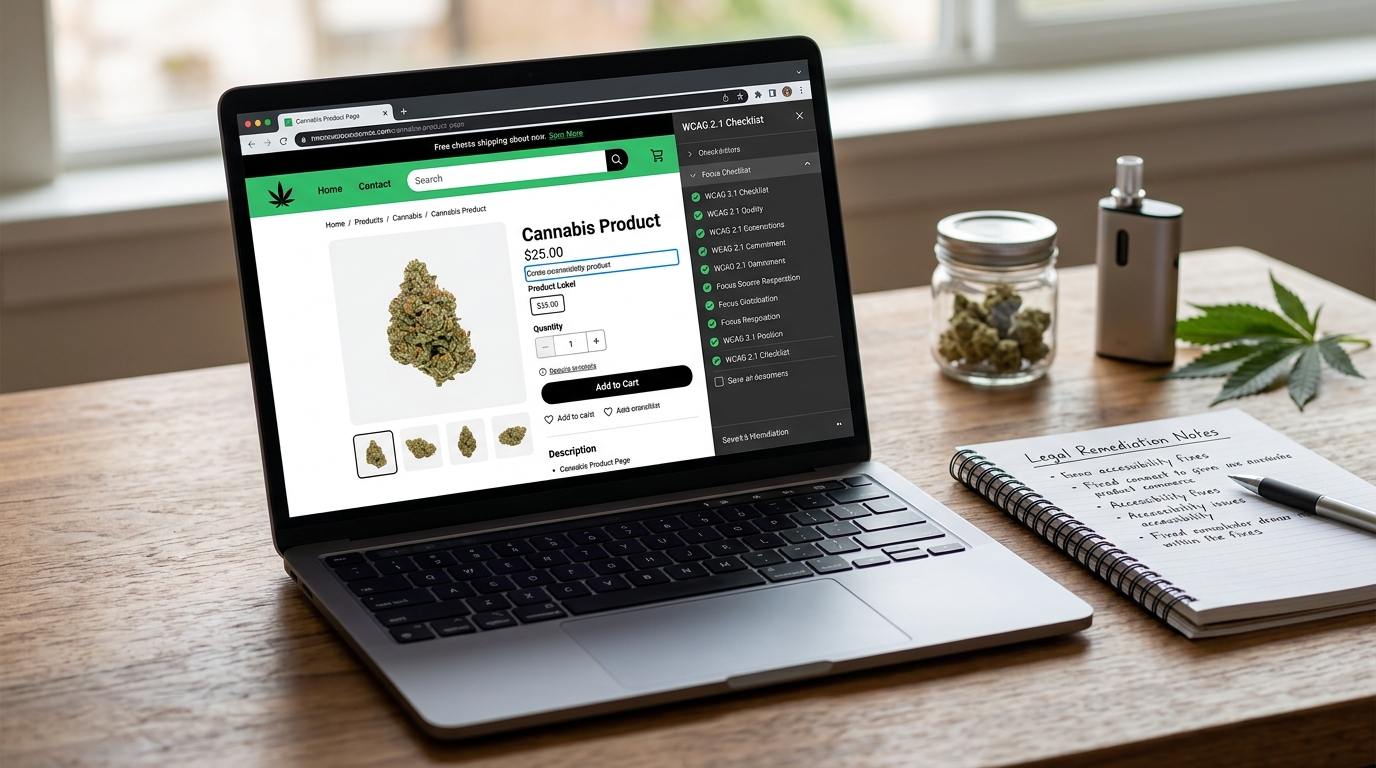
Cannabis ecommerce teams are under pressure to increase digital revenue, improve repeat purchases, and reduce cart abandonment. At the same time, legal and brand risk around accessibility remains active, and many dispensary sites still ship age-gate and menu experiences that are hard to use with keyboards, screen readers, or low-vision settings. The result is a double cost: potential litigation exposure and avoidable conversion loss.
Accessibility in this context is not a side project for developers. It is a compliance control and a customer experience requirement. This guide explains how to reduce risk with a practical remediation plan for cannabis ecommerce workflows, including age-gated entry, product browsing, and online ordering. It is informational only and not legal advice.
Most retail sites can iterate quickly on checkout and UX patterns. Cannabis ecommerce often runs through layered compliance constraints: age verification, jurisdictional notices, delivery eligibility screens, and third-party menu tools. Each additional gate can introduce barriers if not designed and tested for accessibility from the start.
Regulators and litigants typically evaluate whether sites are reasonably accessible in practice, not whether a team intended to be inclusive. Baseline public guidance from the Department of Justice and ADA resources remains an important orientation point, including ADA.gov web guidance and the broader DOJ ADA portal. Technical conformance expectations are commonly mapped to WCAG standards and techniques, summarized at the W3C WCAG overview.
For cannabis operators, the practical message is clear: treat accessibility as a product quality requirement with measurable acceptance criteria, not a one-time legal memo.
Age gates are often the first interaction and a common source of failure. Users navigating by keyboard may be unable to reach all controls, may lose focus behind the modal, or may get trapped without a clear exit path. Screen reader users may not receive clear context that a dialog opened, what action is required, or where focus moved after confirmation.
Product cards, discount badges, and sticky banners are frequently designed for visual impact but miss contrast and readability thresholds. When text blends into image backgrounds or color-coded labels are the only way to convey meaning, users with low vision or color-vision differences are excluded and frustrated.
Many menus rely on thumbnail imagery for product differentiation, but alt text is often missing, generic, or duplicated. If product potency, format, or warning cues appear only in images, assistive technology users may miss information needed for informed purchasing decisions.
Dispensary menus can be complex, with nested filters, category panels, and dynamic sorting. Without a logical heading hierarchy and landmark structure, screen reader users face long and confusing navigation paths. This directly affects discoverability, task completion, and trust.
Address validation, delivery windows, and payment prerequisites can generate frequent errors. If errors are only shown visually, not programmatically associated with fields, users may not know what failed or how to fix it. Repeated failed attempts increase abandonment and support burden.
Teams need a sequence that produces visible risk reduction quickly while building durable controls. The plan below is designed for operators, agencies, and software partners working under production constraints.
Age-gate components should be treated as critical infrastructure. They appear on nearly every session and can block all downstream tasks if broken. A robust standard includes:
These controls reduce both legal risk and bounce rates because they remove first-click friction for all users.
Accessibility improves when it is measured like any other operational priority. A practical dashboard should include:
When reported consistently, these indicators help legal, product, and engineering teams align on priority and resourcing.
Cannabis ecommerce accessibility is not a niche requirement. It is a durable business control that supports legal resilience, better customer outcomes, and stronger conversion performance. Teams that operationalize accessibility into release cycles and governance routines avoid expensive catch-up projects and reduce the chance that core buying journeys become exclusionary.
If your organization is aligning digital remediation, policy controls, and jurisdiction-aware compliance operations, CannabisRegulations.ai can help centralize requirements, track execution, and keep evidence ready for internal and external review.
Cannabis ecommerce teams are under pressure to increase digital revenue, improve repeat purchases, and reduce cart abandonment. At the same time, legal and brand risk around accessibility remains active, and many dispensary sites still ship age-gate and menu experiences that are hard to use with keyboards, screen readers, or low-vision settings. The result is a double cost: potential litigation exposure and avoidable conversion loss.
Accessibility in this context is not a side project for developers. It is a compliance control and a customer experience requirement. This guide explains how to reduce risk with a practical remediation plan for cannabis ecommerce workflows, including age-gated entry, product browsing, and online ordering. It is informational only and not legal advice.
Most retail sites can iterate quickly on checkout and UX patterns. Cannabis ecommerce often runs through layered compliance constraints: age verification, jurisdictional notices, delivery eligibility screens, and third-party menu tools. Each additional gate can introduce barriers if not designed and tested for accessibility from the start.
Regulators and litigants typically evaluate whether sites are reasonably accessible in practice, not whether a team intended to be inclusive. Baseline public guidance from the Department of Justice and ADA resources remains an important orientation point, including ADA.gov web guidance and the broader DOJ ADA portal. Technical conformance expectations are commonly mapped to WCAG standards and techniques, summarized at the W3C WCAG overview.
For cannabis operators, the practical message is clear: treat accessibility as a product quality requirement with measurable acceptance criteria, not a one-time legal memo.
Age gates are often the first interaction and a common source of failure. Users navigating by keyboard may be unable to reach all controls, may lose focus behind the modal, or may get trapped without a clear exit path. Screen reader users may not receive clear context that a dialog opened, what action is required, or where focus moved after confirmation.
Product cards, discount badges, and sticky banners are frequently designed for visual impact but miss contrast and readability thresholds. When text blends into image backgrounds or color-coded labels are the only way to convey meaning, users with low vision or color-vision differences are excluded and frustrated.
Many menus rely on thumbnail imagery for product differentiation, but alt text is often missing, generic, or duplicated. If product potency, format, or warning cues appear only in images, assistive technology users may miss information needed for informed purchasing decisions.
Dispensary menus can be complex, with nested filters, category panels, and dynamic sorting. Without a logical heading hierarchy and landmark structure, screen reader users face long and confusing navigation paths. This directly affects discoverability, task completion, and trust.
Address validation, delivery windows, and payment prerequisites can generate frequent errors. If errors are only shown visually, not programmatically associated with fields, users may not know what failed or how to fix it. Repeated failed attempts increase abandonment and support burden.
Teams need a sequence that produces visible risk reduction quickly while building durable controls. The plan below is designed for operators, agencies, and software partners working under production constraints.
Age-gate components should be treated as critical infrastructure. They appear on nearly every session and can block all downstream tasks if broken. A robust standard includes:
These controls reduce both legal risk and bounce rates because they remove first-click friction for all users.
Accessibility improves when it is measured like any other operational priority. A practical dashboard should include:
When reported consistently, these indicators help legal, product, and engineering teams align on priority and resourcing.
Cannabis ecommerce accessibility is not a niche requirement. It is a durable business control that supports legal resilience, better customer outcomes, and stronger conversion performance. Teams that operationalize accessibility into release cycles and governance routines avoid expensive catch-up projects and reduce the chance that core buying journeys become exclusionary.
If your organization is aligning digital remediation, policy controls, and jurisdiction-aware compliance operations, CannabisRegulations.ai can help centralize requirements, track execution, and keep evidence ready for internal and external review.
